
Find a practice
Explore techniques by goal, duration, and style. Understand the rhythm and benefits before you begin.
Prana for AI Beta
Use Prana in a compatible AI assistant to explore breathing techniques or begin a guided session in the moment.
Public tools. No account or health data required.
What Prana can do
Explore a practice, understand how it works, and start breathing with guidance.
Explore techniques by goal, duration, and style. Understand the rhythm and benefits before you begin.
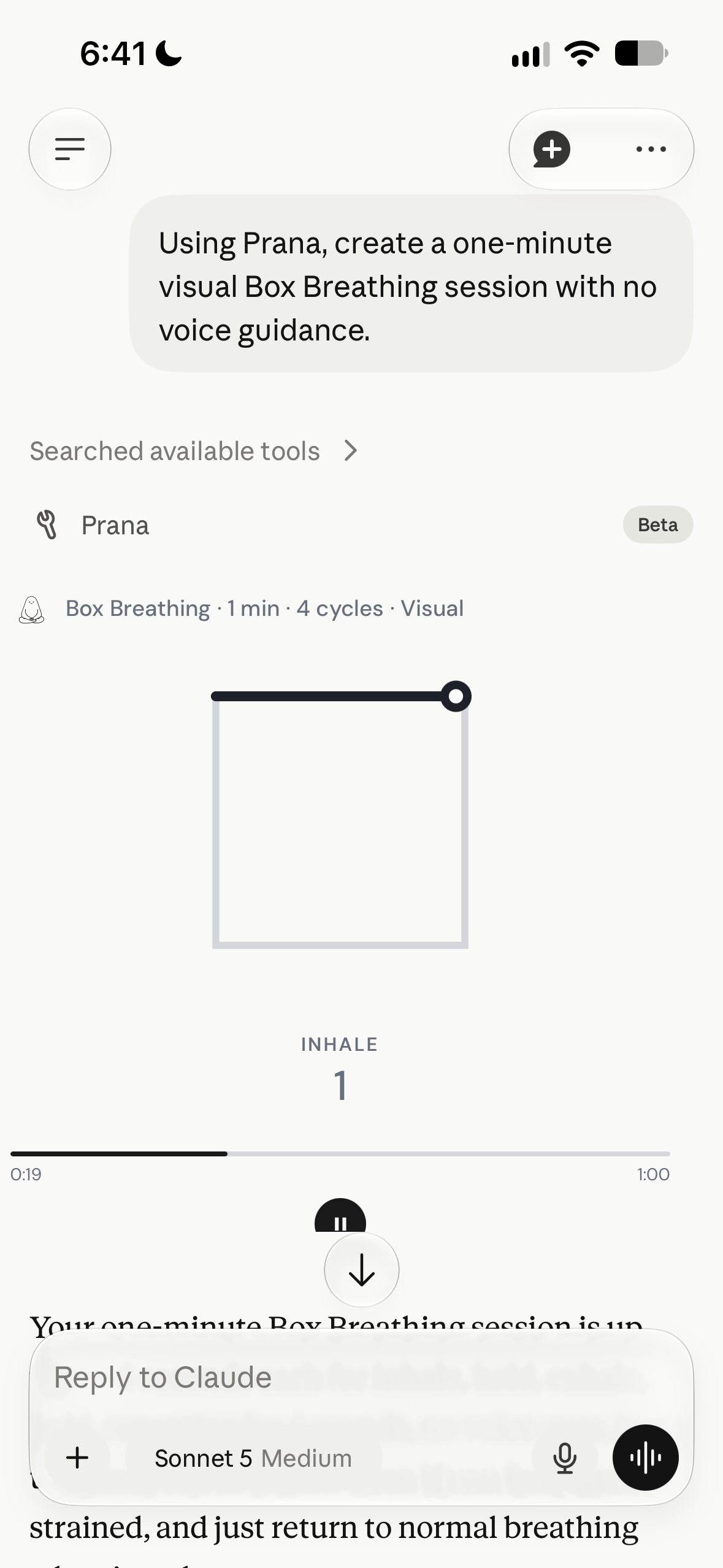
Start breathing directly in the conversation, with visual guidance when voice guidance is not needed.
Find grounding options for everyday stress or focus, with appropriate cautions for more activating practices.
Safety-aware guidance. Public tools with no account or health data required.
Connect Prana
Choose your assistant below, then follow the steps to add Prana using this endpoint.
Prana MCP endpoint
https://pranabreathworks.com/api/mcp Choose a custom or remote MCP connector, then paste this endpoint.